Training
How-to guides for every role in an MP's office. Search by the job, then open it in CaseBase.
Type
Role
6 guides
Set-up3
Set-up · 3 steps
How to invite the team
Add each person, choose their CaseBase access, and tick the shared inboxes they actually work from.
Office manager
- Team
- Access
- Inboxes
Set-up · 3 steps
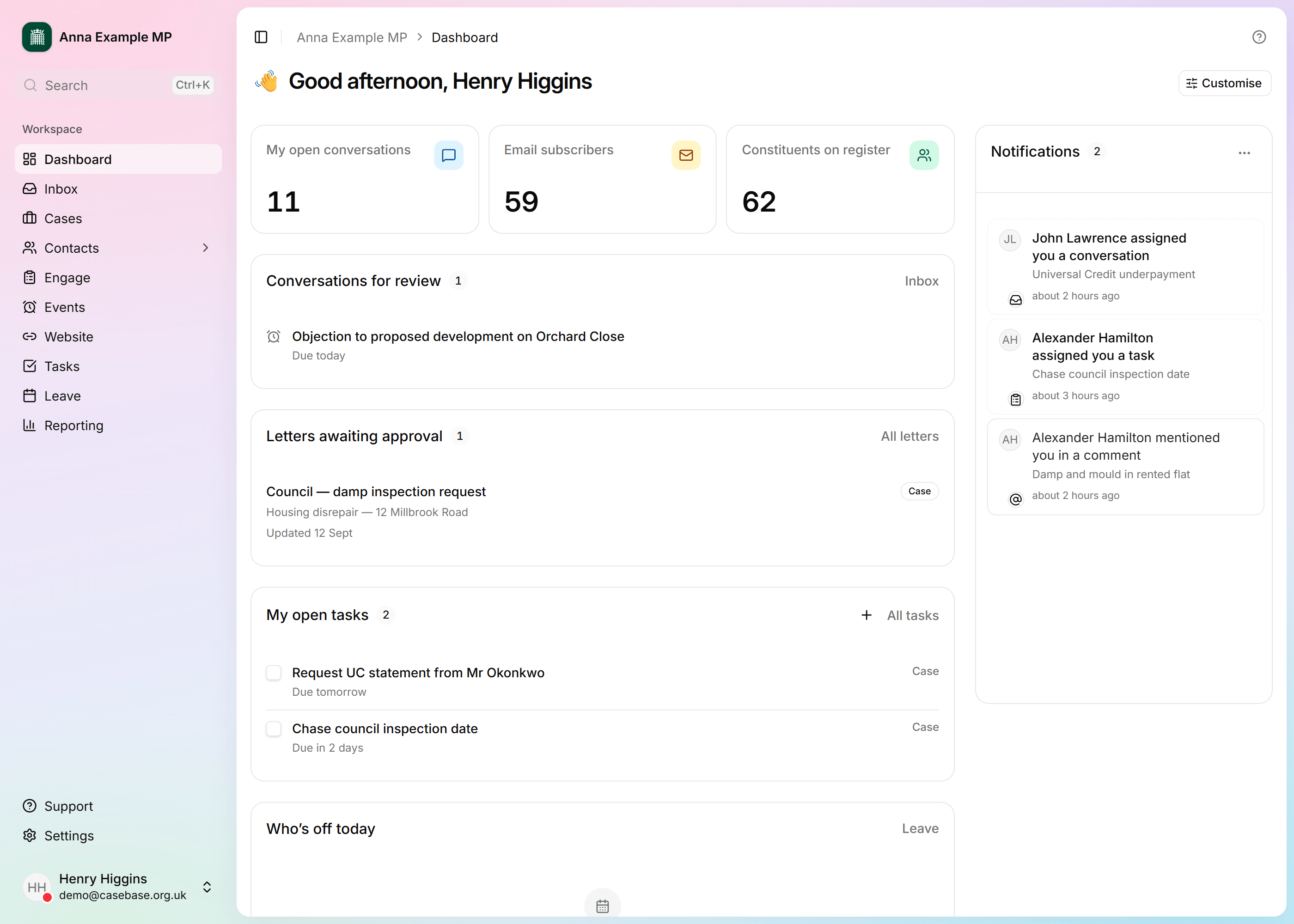
The first morning after your data moves
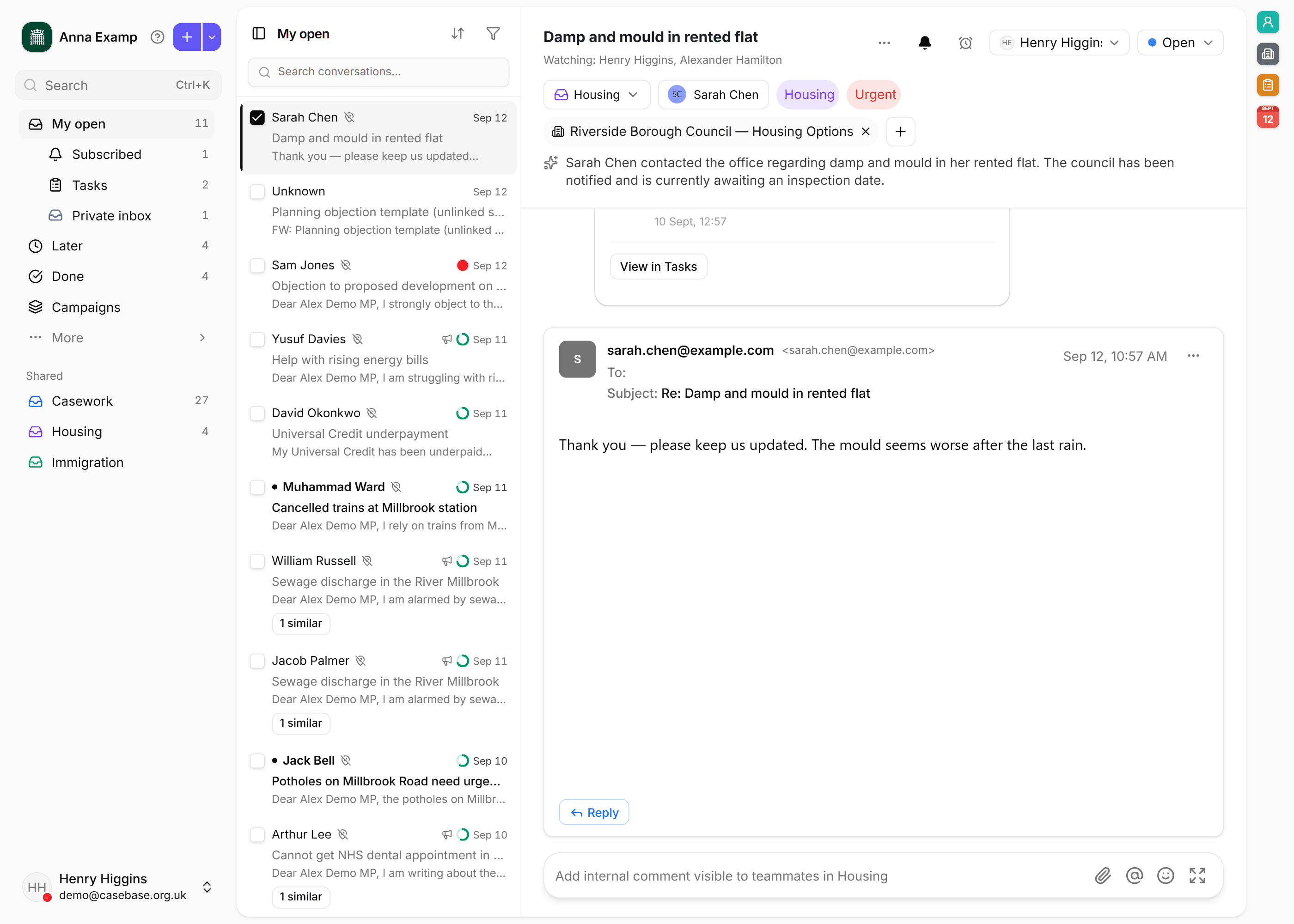
After an overnight move, check that people you already know, their cases, and the new morning post are where the office expects them.
Office manager · Caseworker
- Switch
- Inbox
- Constituents
Set-up · 4 steps
How to set up a surgery
Create a surgery with timed slots, book a constituent from their case, and print the sheet for the MP.
Caseworker · Constituency support · Office manager
- Surgeries
- Events
- Cases
Skill3
Skill · 4 steps
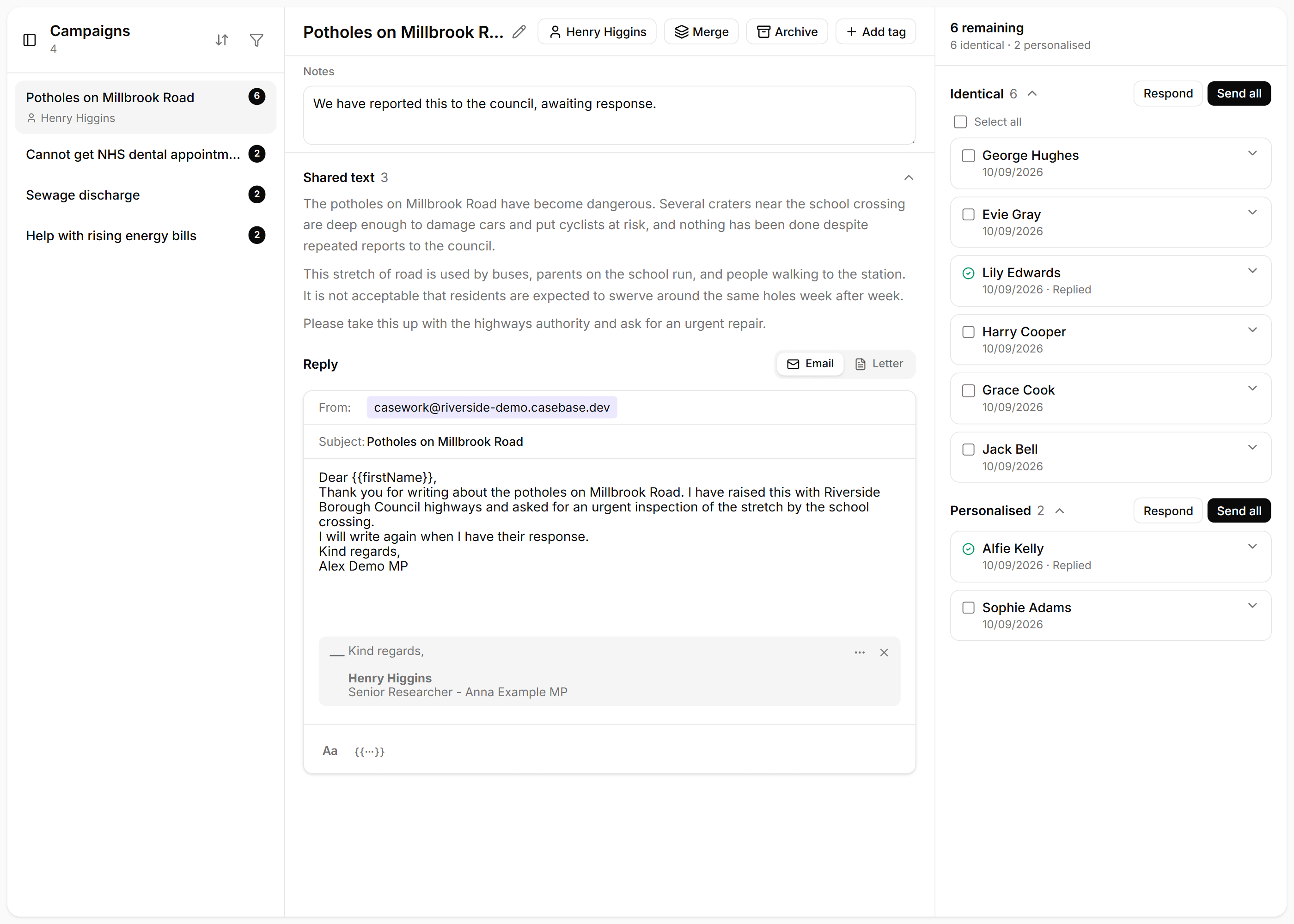
How to reply to a campaign
Reply once to every boilerplate campaign email, and read the ones where a constituent added their own words before you send.
Caseworker · Parliamentary researcher
- Campaigns
- Bulk replies
- Templates
Skill · 4 steps
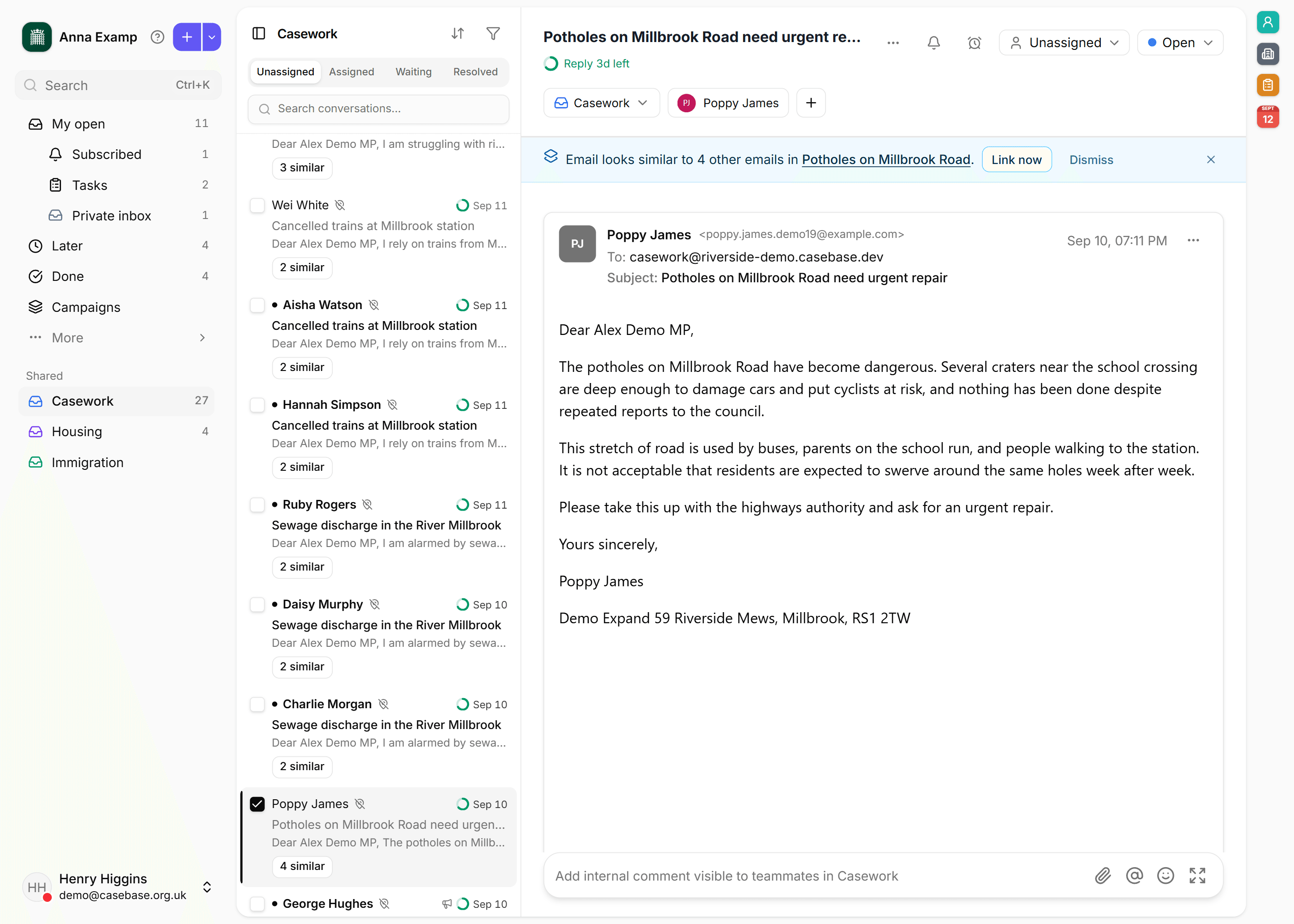
How the morning post lands in the right inbox
Rules, then Auto-pilot, file new threads before anyone sits down. The morning list is what is still unassigned.
Caseworker · Office manager · Constituency support
- Triage
- Rules
- Auto-pilot
Skill · 4 steps
How to send a bulk letter
Write one letter, build the audience from a list, ward or tags, get it approved, then download every copy to print.
Caseworker · Constituency support · Parliamentary researcher
- Letters
- Audiences