TrainingSet-up
The first morning after your data moves
After an overnight move, check that people you already know, their cases, and the new morning post are where the office expects them.
- Set-up
- Office manager
- Caseworker
- Switch
- Inbox
- Constituents
No account yet? Start a free trial
Open a case you already know
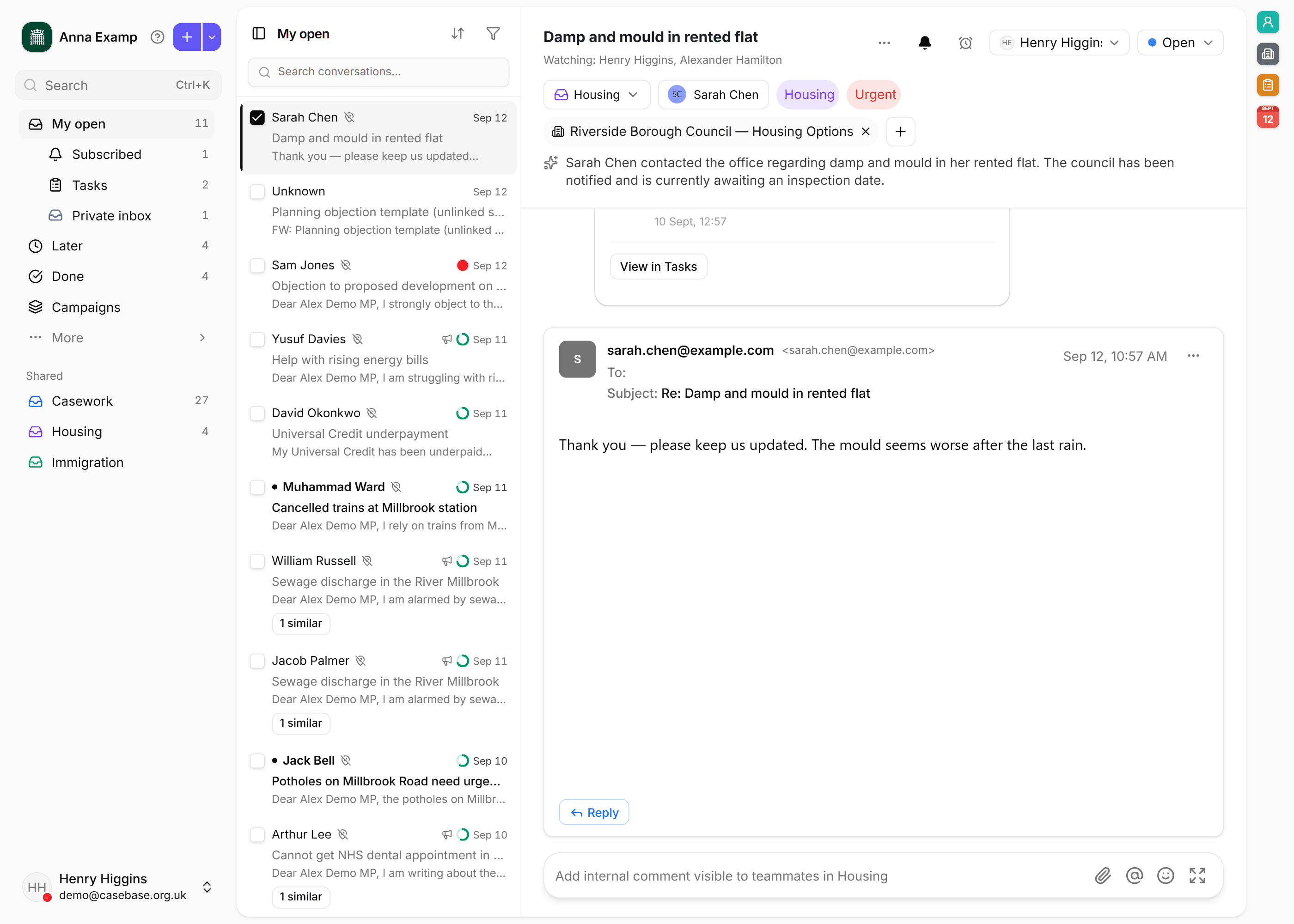
In Inbox, search for a constituent the office wrote to last week. The history that moved across should be on their thread. If a name is missing, check Constituents before you treat the next email as a new person.
See where new mail landed
A brand-new thread starts in that email address's default inbox. Routing rules, then Auto-pilot, may already have moved it. A reply to a case that is already open stays on that case.
Ask us to look again
If a batch is missing or in the wrong place, open Settings, choose Import, then Data move. Name the previous system and what you expected to see. The office keeps working while that is checked.