TrainingSkill
How the morning post lands in the right inbox
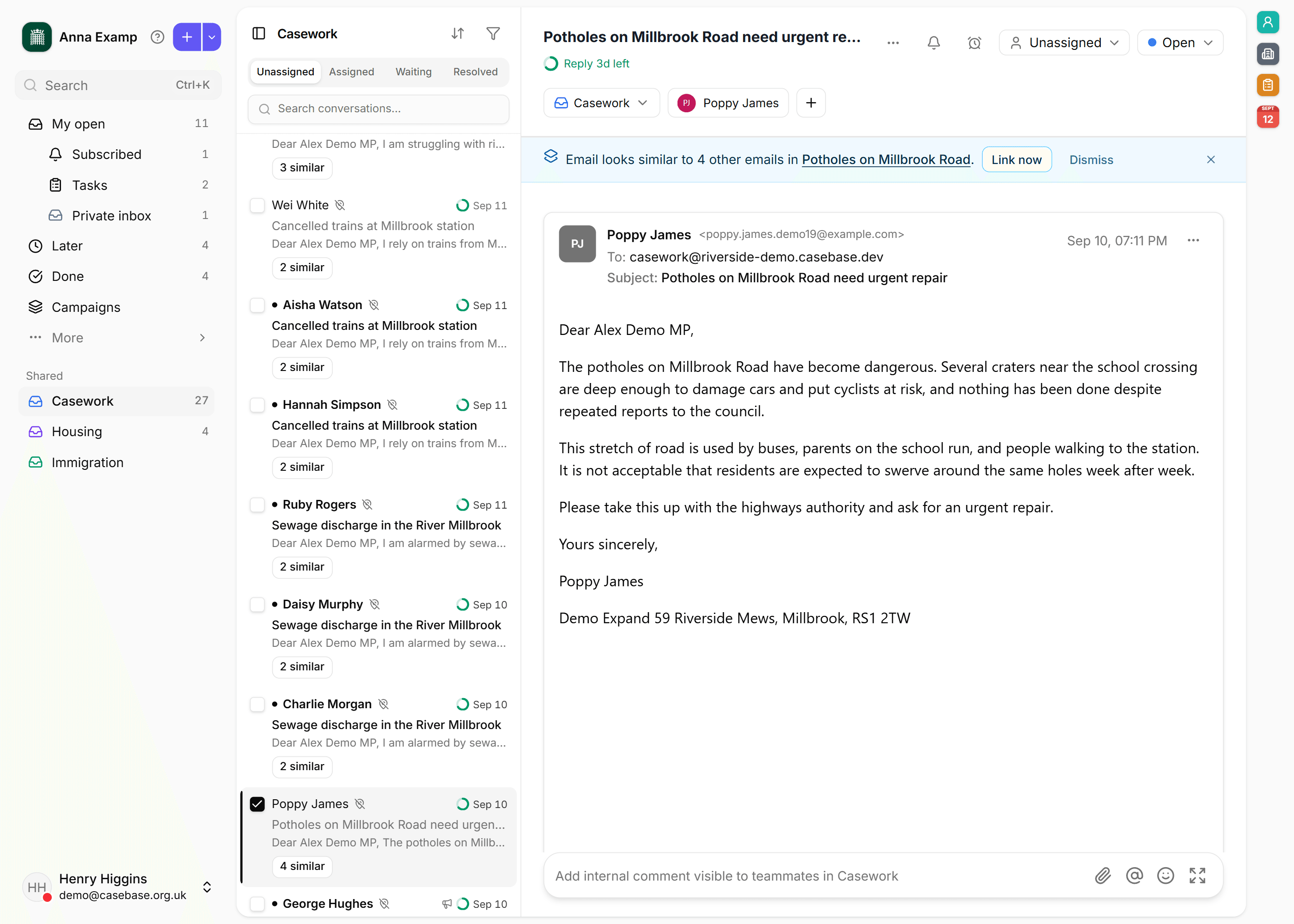
Rules, then Auto-pilot, file new threads before anyone sits down. The morning list is what is still unassigned.
- Skill
- Caseworker
- Office manager
- Constituency support
- Triage
- Rules
- Auto-pilot
No account yet? Start a free trial
Where a new email starts
Each email address is a channel. A brand-new thread starts in that channel's default inbox. If the person already has an open case, the reply stays there. Rules and Auto-pilot only run for new threads.
Rules first
Open Settings, then Conversations, then the Rules tab. Rules run in order and the first match wins: a keyword, a sender's domain, or a subject prefix. That match moves the new thread to the inbox you chose. Put the certain ones, such as a council domain, above the broad ones.
Auto-pilot after that
On the same Conversations page, open AI and turn on Enable Auto-pilot. It reads the subject and body when no rule matched. Set a minimum confidence. Choose Move the conversation automatically, or Record suggestion only if someone should confirm the inbox. Below the threshold, the thread stays on the channel default.
The morning list
Open Inbox. In a shared inbox, Unassigned is what is still waiting for a person. Work from there. The post does not need filing by hand before the day starts.