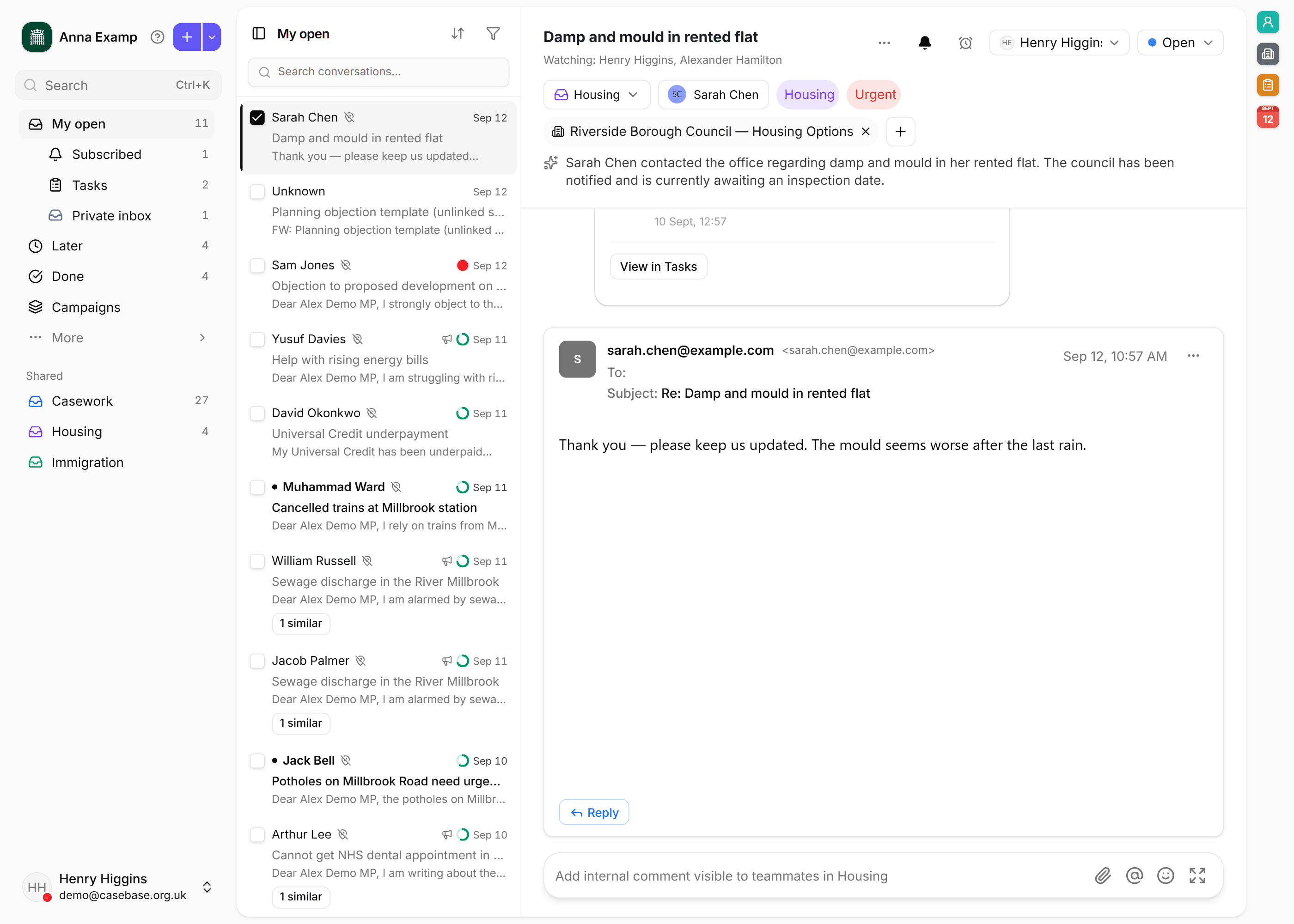
Skill · Caseworker, Parliamentary researcher
How to reply to a campaign
Reply once to every boilerplate campaign email, and read the ones where a constituent added their own words before you send.
Step 1
Open the campaign
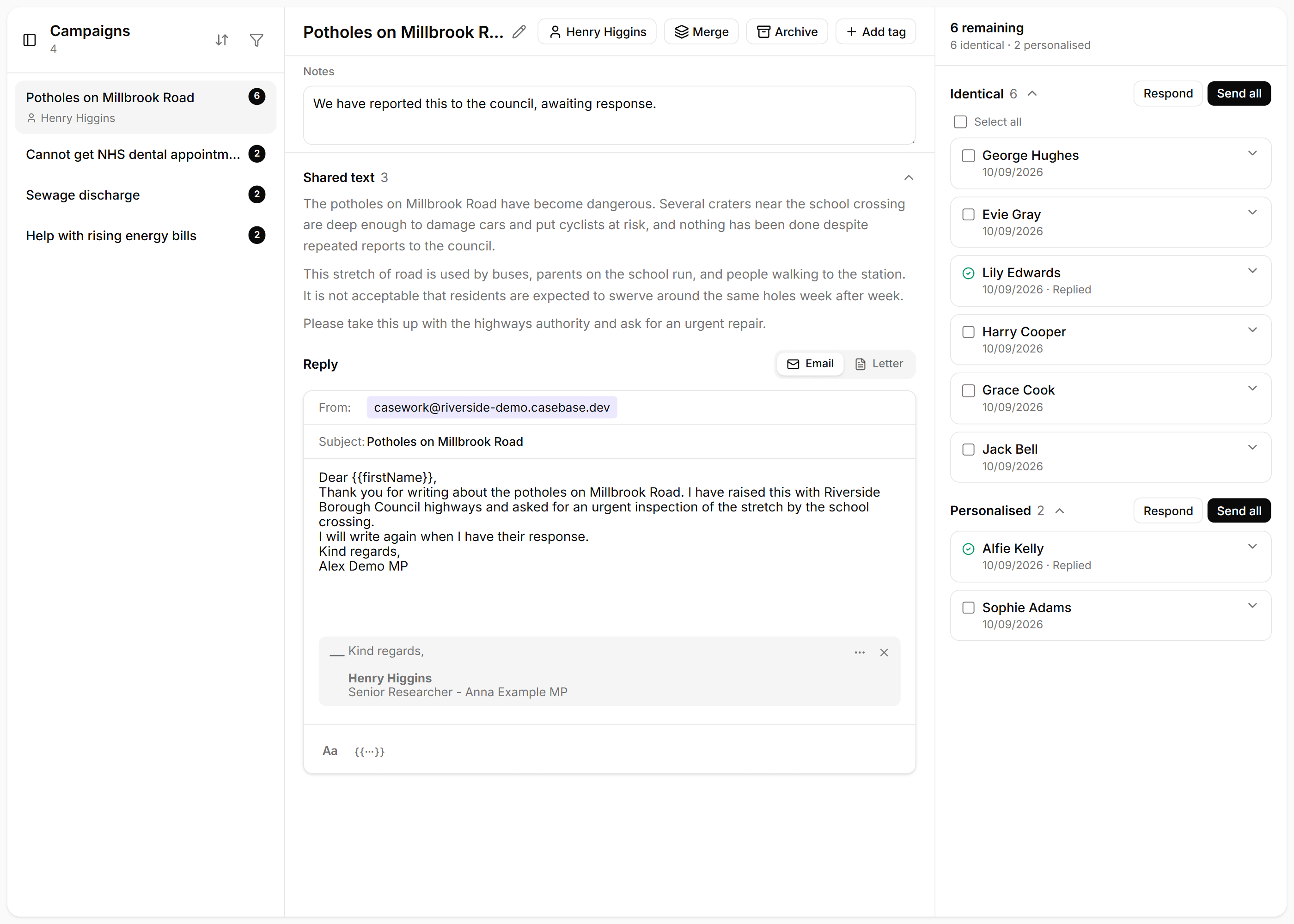
In Inbox, choose Campaigns. Emails that share the same template are already grouped. Open the campaign with the most remaining.
Step 2
Write the reply once
The reply sits on the left. Shared text is the wording CaseBase treated as the campaign itself. Write the answer once, type {{ to insert a name or other detail, and add the signature that should go on the email.
Step 3
Send the identical emails
On the right, Identical means the constituent sent the template and nothing more. Choose Send all. CaseBase shows who will receive it before it goes.
Step 4
Read the personalised ones
Personalised means they added their own words. Choose Respond and read that note before you send. Change the reply where their words need a different answer.
Related guides
The first morning after your data moves
After an overnight move, check that people you already know, their cases, and the new morning post are where the office expects them.
How to set up a surgery
Create a surgery with timed slots, book a constituent from their case, and print the sheet for the MP.
How the morning post lands in the right inbox
Rules, then Auto-pilot, file new threads before anyone sits down. The morning list is what is still unassigned.